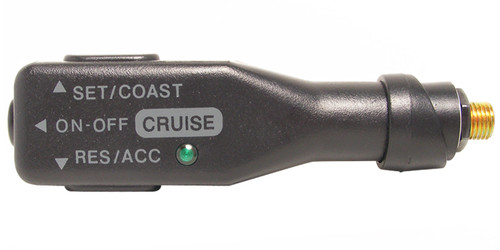


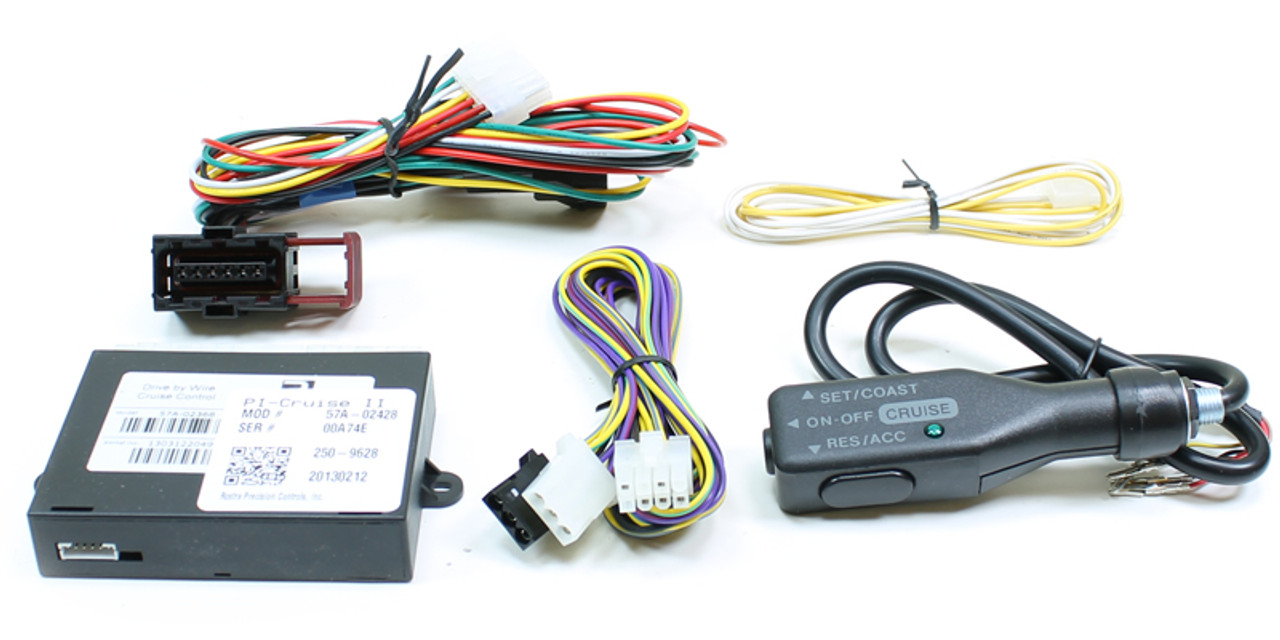
This a complete Rostra cruise kit for the 2012-2016 Chevy Cruze.
Before You Order
- This kit is not applicable to the new body style 2016.
- Only the old body style 2016.
- If you are unsure of which one you have, please call.
- This kit is applicable to the manual transmission only.
- If you have a automatic, you need the 250-9613 kit.
Installation and Kit Details
Installation instructions included and located below as well. This kit does NOT require dealer programming. Please call with any questions on this kit.
Cruze Installation Instructions
Compare related applications in our Cruze cruise-control kits category.
250-9614-Cruze Customer FAQ
Which transmission is this Chevrolet Cruze Manual kit for?
This listing is for manual transmission only. The existing listing identifies 250-9613 for the other transmission application.
Does this Chevrolet Cruze Manual kit require dealer programming?
No. The listing states that dealer programming is not required. Installation instructions are included and linked on this page.
What vehicle application does this 250-9614 listing cover?
This complete kit is listed for 2012–2016 Chevrolet Cruze Manual. Old-body 2016 only; new-body 2016 excluded.
4 Reviews
-
Cruise control for a 2015 Chevy Cruze
Installation was a breeze and it works perfectly.
-
Exactly what it's supposed to be
Everything works as it should...someone should note that you have to pull the steering wheel to get the trim off to do the install, and it would be nice to have different options for buttons instead of the very generic and blocky stalk. But if you want a simple to install cruise control that won't break the bank, this is it. **** Note from Seller - Steering wheel does not need to be removed. There are screws that secure shroud that allow removal of shroud, without removing wheel.
-
Cruise
Absolutely perfect in every way. Easy install, 30 minutes.
-
Affordable DIY kit
This took me about an hour to install on my 2016 Cruze manual transmission L trim package. The directions were very clear and accurate. After spending a couple weeks using it, it seems to work exactly as advertised. A couple things I would like to address that doesn’t exactly fall on the quality this product, 1-the DIC doesn’t reflect any activity when this product is in use( showing the CC set speed or if it’s on or off like some people have reported it does.) 2 - lack of options for different buttons to control it. It would be nice to have other controls available for people to select from. That pretty much sums it up. If you want affordable and diy cc on your car, this is the product to get. Nick